Reviews 4 min read
Brother SE600 vs SE700: What the Upgrade Actually Gets You
Same 4x4 hoop, same combo design. The SE700 adds wireless transfer, a knee lifter, and 80 more designs. Whether that gap is worth the price difference.
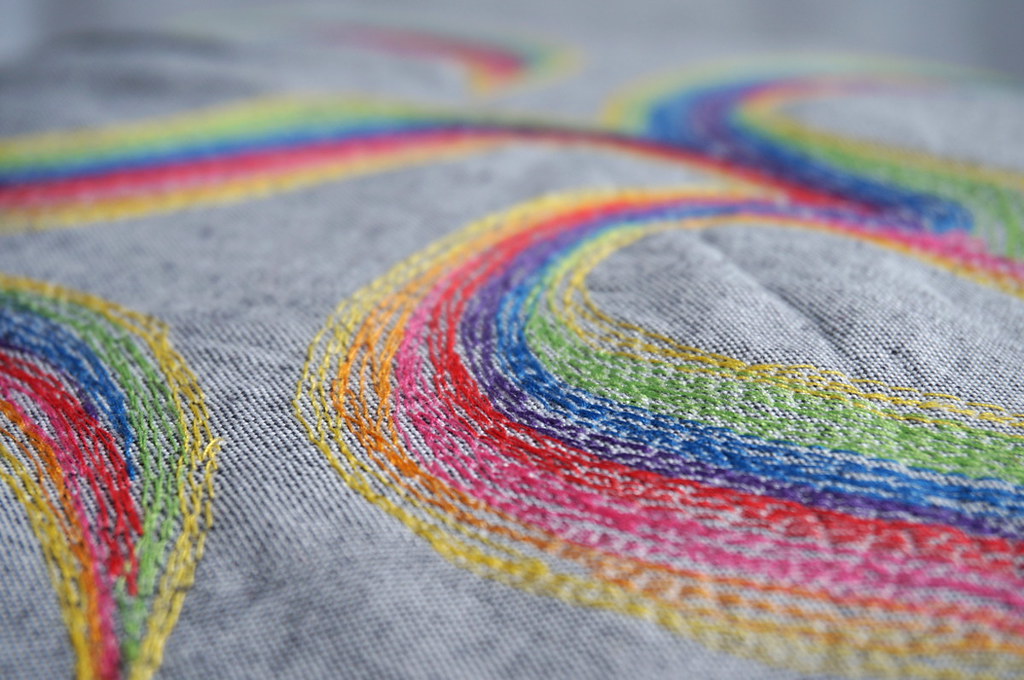
The Brother SE600 is discontinued. The SE700 is the current machine at $579.99, verified on Brother USA in June 2026. Both machines sew and embroider in the same 4x4 inch field with the same 103 built-in stitches. What changed between models is wireless connectivity (SE700 only), built-in design count (135 versus 80), embroidery fonts (10 versus 6), and presser feet (8 versus 7). The sewing capability is identical; the embroidery side is where the SE700 adds.
What does the SE700 add over the SE600?
| Feature | SE600 | SE700 |
|---|---|---|
| Embroidery field | 4” x 4” | 4” x 4” |
| Built-in designs | 80 | 135 |
| Embroidery fonts | 6 | 10 |
| Built-in sewing stitches | 103 | 103 |
| Buttonhole styles | 10 | 10 |
| Max sewing speed | 710 spm | 710 spm |
| Connectivity | USB only | Wireless LAN + USB |
| Presser feet | 7 | 8 |
| Status | Discontinued | Current production |
| Current list price | Used/variable | $579.99 |
Specs verified against Brother USA product documentation, June 2026. The built-in numbers are a starting point, not a ceiling: both machines load extra designs from USB, and the SE700 adds wireless transfer on top of that.
The wireless difference: does it matter?
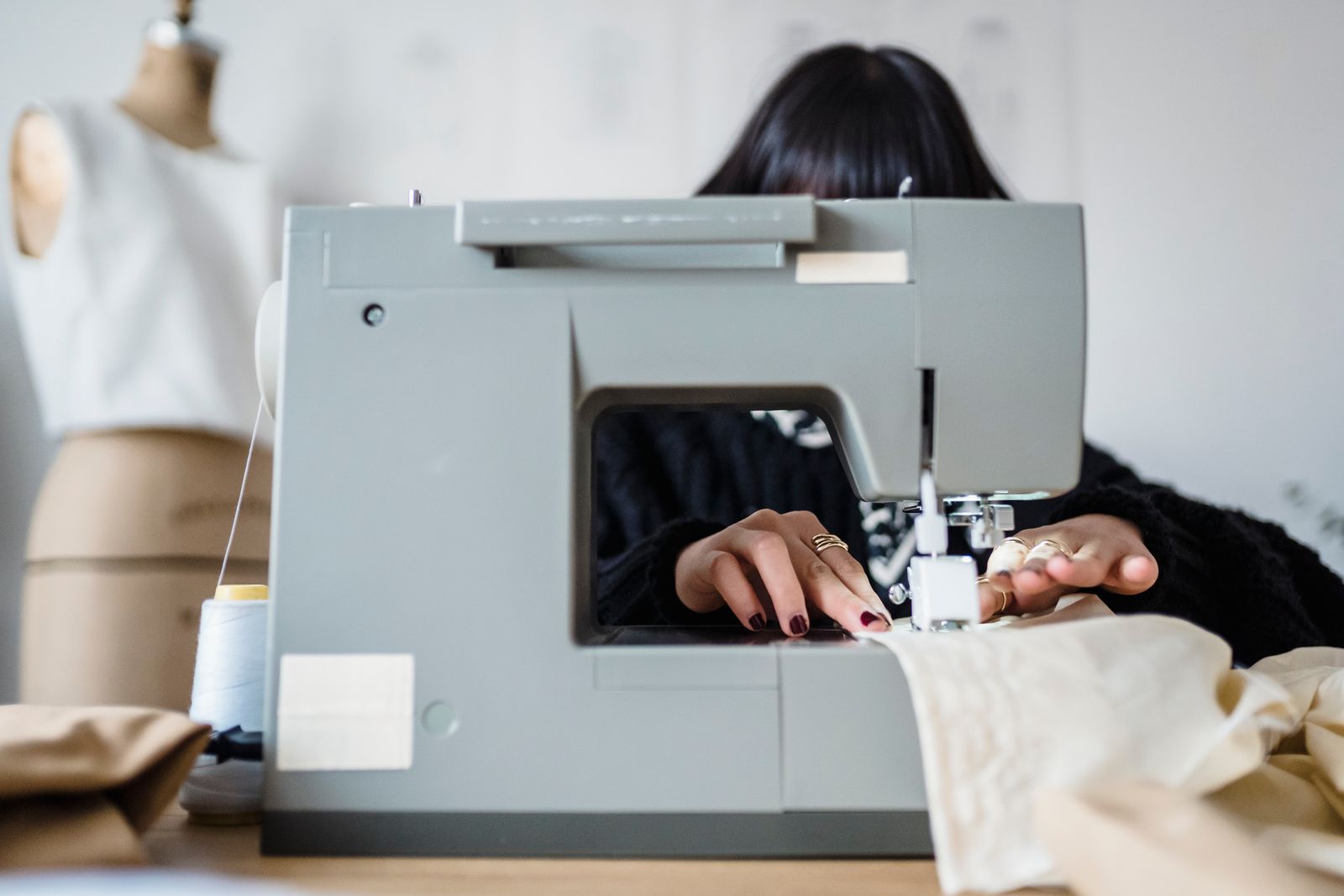
The SE600 loads designs from a USB drive. You move the design file from your computer to a USB drive, insert the drive, and navigate to the file on the machine display. Two minutes of prep per design, roughly.
The SE700 transfers designs over wireless LAN using Brother’s free Design Database Transfer software. The machine connects to your home Wi-Fi, and designs transfer directly from a connected computer without touching a USB drive.
Owner reports on the SE700’s wireless are mixed. When it works, the transfer is convenient, especially for embroiderers who rotate through many designs or work from a large library. When it does not work (Wi-Fi setup issues, app sync errors), a USB drive is always the reliable fallback, and many SE700 owners settle on it. The wireless is a real improvement in theory; in practice, USB is still the dependable path. If wireless design transfer is the main reason you are considering the upgrade, weight that against the setup friction some owners report.
Same 4x4 field: what this means for your work
Neither machine expands the embroidery workspace beyond 4 inches by 4 inches. If the SE600’s field limit is the reason you are thinking about upgrading, the SE700 is not the answer. The Brother PE900 is the step up to a 5x7 field at $1,179.99 for buyers who consistently need more room.
For buyers staying in the 4x4 range, the hoop sizes guide lays out exactly what fits and what does not in a standard 4x4 hoop.
When does buying a used SE600 make sense?
If a used SE600 is priced well below $300 in good working condition, it performs the same 4x4 work the SE700 does. The stitching capability is identical. The tradeoffs:
- No wireless (USB transfer only)
- 80 built-in designs instead of 135
- 6 fonts instead of 10
- No production support or warranty
- Unknown usage history and potential wear
At $250 or under for a used SE600 in working condition versus $579.99 for a new SE700 with full Brother warranty, the SE600 is a reasonable entry-level choice for a sewist who does not need wireless and is comfortable with the lower design count.
At $350 to $450 for a used SE600, the value case weakens. The SE700’s warranty, current production parts, and wireless option are worth the gap for most buyers.
For the full specs and owner report synthesis on each machine, the Brother SE700 review and the SE600 review each cover their machine in detail. If the 4x4 field is the constraint rather than the model, the PE900 vs SE700 comparison runs through the field-size decision directly.