Reviews 9 min read
Brother SE700 Review: The 4x4 Combo Machine, Honestly
Brother SE700 review from owner reports: the 4x4 embroidery ceiling, thread-tension reality, wireless quirks, and who should buy the PE900 instead.
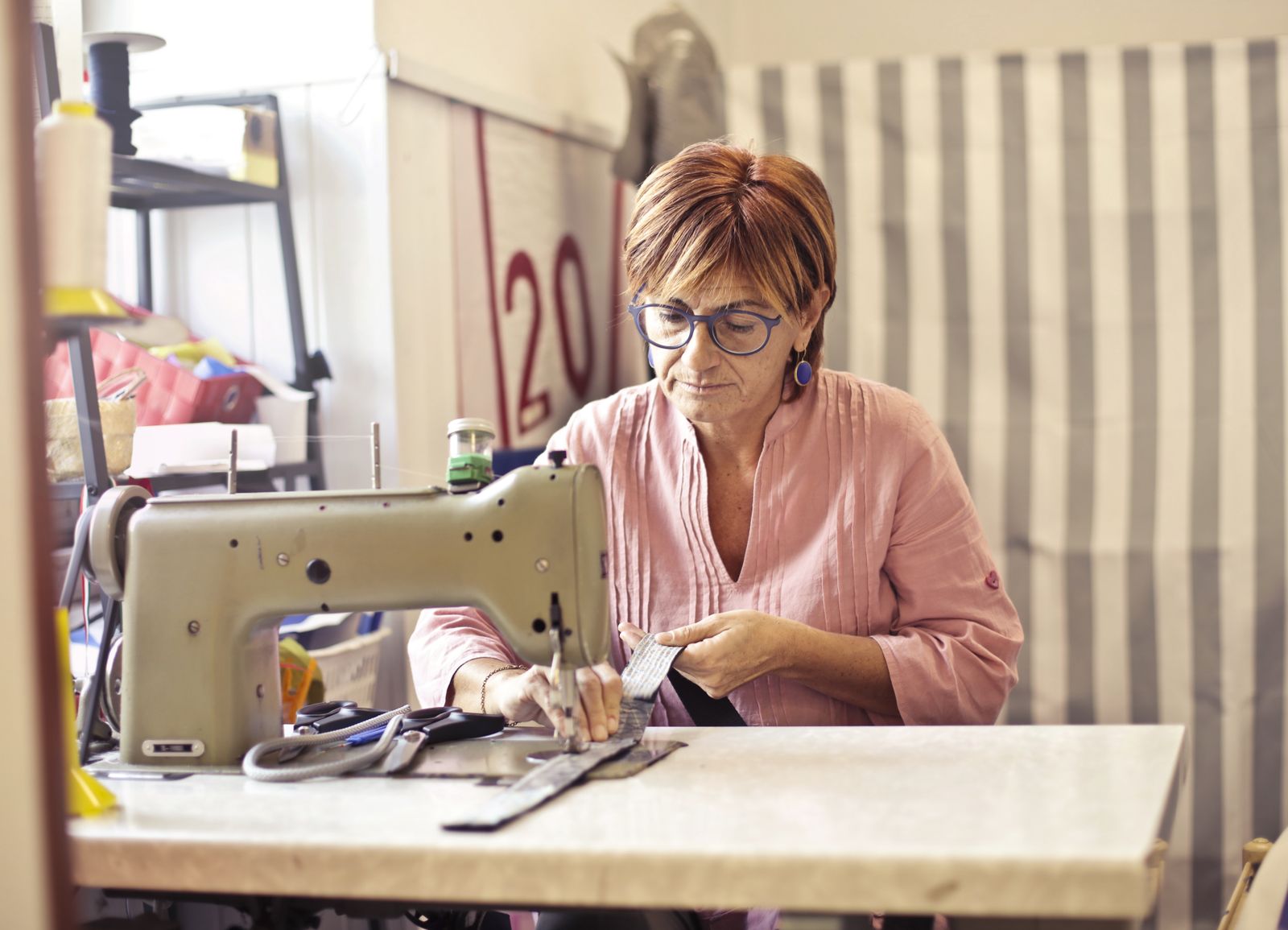
The Brother SE700 is the machine to buy when you want one box that sews garments and embroiders, and you have made peace with a 4x4 inch embroidery field. Verified on Brother USA in June 2026, it sews 103 built-in stitches at up to 710 stitches per minute, embroiders 135 built-in designs inside a 4 inch by 4 inch hoop, transfers designs over wireless LAN, and ships at $579.99 list (often discounted to around $530). It is the direct successor to the much-loved SE600, with wireless transfer, more designs, and a knee lifter added.
The honest version of this review lives in two numbers: 710 and 4. The first is a respectable sewing speed for a combo machine. The second is the constraint that decides whether the SE700 is the right machine or a frustration you return in three weeks.
Stitch Specs
| Spec | SE700 |
|---|---|
| Type | Sewing + embroidery combo |
| Max embroidery area | 4” x 4” (100mm x 100mm) |
| Built-in embroidery designs | 135 (plus 10 fonts) |
| Built-in sewing stitches | 103 (10 one-step buttonholes) |
| Sewing speed | 710 spm |
| Display | 3.2” x 1.8” LCD color touchscreen |
| Connectivity | Wireless LAN (Design Database Transfer, Artspira app) |
| File formats read | PES (native), DST, PHC, PEN |
| Included hoop | 4” x 4” (medium) |
| Included feet | 8 |
| List price (verified June 2026) | $579.99 |
As an Amazon Associate, Needle Down earns from qualifying purchases.
Specs verified against Brother USA’s SE700 page, June 2026. Note that Brother lists the panel as a 3.2” x 1.8” LCD; some retailers market it as a 3.7” touchscreen. It is a color, touch-operated screen either way.
Who the SE700 is actually for
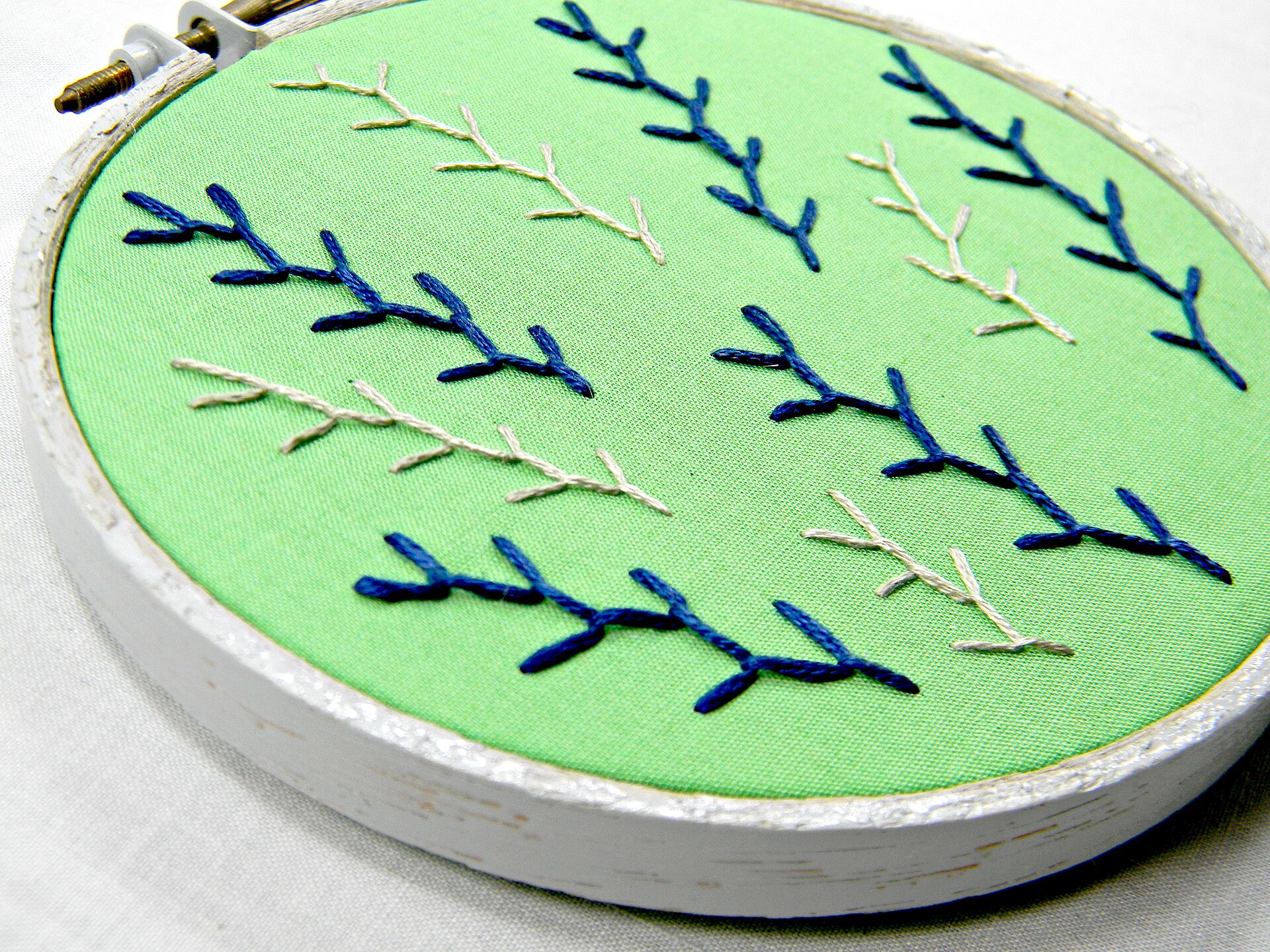
The SE700 buyer is the person who wants to make a thing and put a name on it. A quilter who also wants to monogram napkins. A parent stitching kids’ names onto backpacks and blankets. A small-batch maker doing left-chest logos on aprons and tote bags. If you sew already and embroidery is the new skill you want to add without buying a second machine, this is the natural pick. If embroidery is the whole point and sewing is incidental, skip the combo and read the PE900 section below.
It is also a beginner machine that does not feel like a toy. The advanced needle threader, automatic thread cutter, and on-screen design editing (resize, rotate, reposition before you stitch) are the features owners say flatten the learning curve. The knee lifter, new versus the SE600, matters more than it sounds: it frees both hands during pivots, which is exactly when a beginner fumbles.
What owners praise, and what they complain about
Everything below comes from the people who own one: retailer reviews across Amazon, Walmart, and Home Depot, the r/MachineEmbroidery and r/sewing communities, PatternReview threads, and Brother’s own support pages. Where a complaint keeps showing up, we say so and name where.
Most praised: the combo value. Across retailer reviews, the single most repeated positive is that one sub-$600 machine replaced two purchases. The wireless design transfer, the auto thread cutter, and the screen editing come up next as the features that make the machine feel modern rather than fiddly.
Most reported issue: thread tension. This is the dominant complaint, and it splits into two camps. The first is user error, by far the larger group: bobbin thread showing on top, bird-nesting underneath, and skipped stitches that trace back to improper threading, the wrong bobbin thread, or skipping a tension test on scrap. Use real embroidery thread, 40-weight polyester or rayon on top, 60-weight bobbin thread underneath, not all-purpose sewing thread, which runs heavier and linty and is a frequent hidden cause of exactly these symptoms. Brother’s own SE700 tension FAQ exists precisely because this question floods their support channel. The second, smaller camp is real: a minority of owners report a machine that arrived with a slightly misaligned bobbin case or uneven tension out of the box and needed an adjustment, or a warranty swap, to run clean. Build consistency varies unit to unit. It is not universal, but it appears often enough in owner discussion to mention plainly.
Second most reported: the wireless and app experience. Connection drops, Artspira app sync hiccups, and finicky Wi-Fi setup are a recurring theme. The wireless transfer works well once it is working; getting there frustrates a meaningful slice of owners. A USB stick is the reliable fallback, and many owners settle on it.
Third: the learning curve, honestly priced. Embroidery is its own craft. Stabilizer choice, hooping tension, and digitized-design quality all matter, and none of that is the machine’s fault when it goes wrong. New embroiderers who blame the SE700 for puckering are usually fighting a stabilizer mismatch. That is the single most useful thing to internalize before you buy, and it is why the stabilizer guide is the first thing to read after this review.
On longevity, owner reports skew positive for a plastic-bodied consumer machine: multi-year daily-hobby use is common, with the usual caveat that these are not metal-geared industrial workhorses and dislike being pushed through thick denim seams at speed.
The 4x4 ceiling: what actually fits
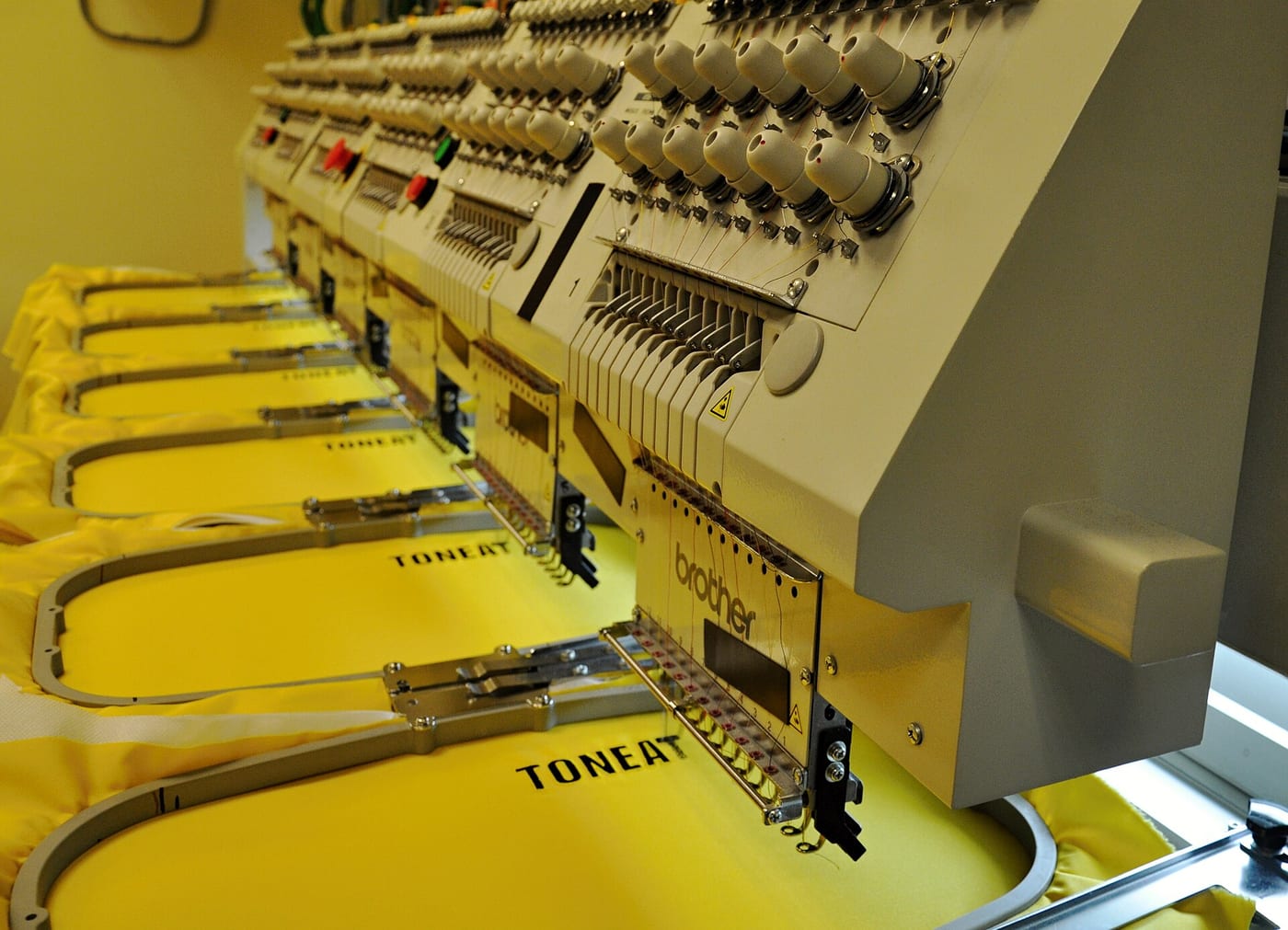
This is the centerpiece, because it is the spec most likely to disappoint. Four inches square is 100mm by 100mm of stitchable area. Here is what real-world design categories measure, against verified digitizing conventions, and whether each fits in one hooping.
| Design | Typical size | Fits in 4x4? |
|---|---|---|
| Left-chest logo / shirt pocket | ~3.5” wide (Thread Logic) | Yes |
| Kid’s name on a blanket or backpack | 3”–4” wide | Yes, if kept under 4” |
| Small monogram (3-letter) | 2.5”–3.5” | Yes |
| Flat patch (to sew onto a hat) | up to 4” | Yes |
| Hat front design (stitched on the cap) | 2.25”H x up to 4”W | No (needs a cap hoop the SE700 lacks) |
| Towel / bath-set monogram | 4” to 6” | Often no; the larger ones exceed 4” |
| Standard quilt block motif | 5”–6”+ | No, without splitting the design |
| Jacket-back or large hoop art | 5”x7” and up | No |
The pattern is clear. Anything that lives on a chest, a pocket, a small flat item, or a name fits the SE700 comfortably. Anything that wants room (a back design, a big towel monogram, a one-piece quilt block) does not, and shrinking a 5x7 design down to 4x4 is not the fix. Compressing a design distorts detail and makes small text illegible; the correct move is a design digitized for 4x4 in the first place. Plan your purchases around designs sold for the 4x4 hoop, and the ceiling stops feeling like a wall.
Hats are the other common miss. The SE700’s hoop is flat, with no cap-hoop system to wrap a curved cap front, so stitching directly onto a finished hat isn’t possible. You can embroider a flat patch and sew that onto the hat instead; actual cap embroidery needs a multi-needle machine built for it.
Consumables: what the SE700 actually costs to run
The sticker price is not the real cost. Embroidery eats stabilizer, bobbin thread, and embroidery thread on every project. Here is the monthly math for a light hobby pace of about 8 small projects (left-chest-sized, on stable woven fabric, one hooping each), computed from current verified Amazon prices as of June 2026.
| Consumable | Basis | Per month (~8 projects) |
|---|---|---|
| Cutaway stabilizer | 100-sheet 10x12 pack runs ~$25–30; ~1 sheet per project | ~$2.00–2.40 |
| Embroidery thread (top) | 63-color 550yd kit ~$30–40 amortized; small designs sip thread | ~$1.50–2.50 |
| Bobbin thread | Prewound 60wt bobbins, a few cents of thread per small design | ~$0.50–1.00 |
| Total | ~$4–6 / month |
Prices are approximate and move; these reflect mid-range Amazon listings checked June 2026, not a single locked SKU. The headline: at hobby pace, consumables are a rounding error, a few dollars a month. The cost only scales if you scale, and at production volume you would be on a different machine anyway. Buy stabilizer and thread in bulk up front and you essentially stop thinking about it.
You can pick up a verified cutaway stabilizer multipack and a 63-color embroidery thread kit on Amazon; both are the right starting consumables for a 4x4 machine. For the full breakdown of which backing goes with which fabric, the stabilizer guide does the work.
Buy the PE900 instead if you want room, not sewing
The honest fork. If you find yourself wanting bigger designs more than you want a sewing machine, the Brother PE900 is the better buy. It is embroidery-only, with a 5 inch by 7 inch field (nearly twice the stitchable area), 193 built-in designs, and the same wireless workflow, at a higher price (Brother lists it around $1,179.99, June 2026). The PE900 fits the towel monograms, larger motifs, and quilt blocks the SE700 cannot. What it will not do is hem a pair of pants. The full breakdown is in the PE900 vs SE700 comparison, which is the single most common buyer fork in this niche.
The other direction: if budget is the hard constraint and you only need the combo basics, the older SE600 covers the same 4x4 combo ground for less, minus the wireless transfer, the knee lifter, and 55 of the designs. Whether those upgrades are worth the difference is its own question.
The file ecosystem, briefly
The SE700 reads PES (Brother’s native format), DST, PHC, and PEN, verified on Brother’s format page, June 2026. When you buy or download designs, buy PES. The wireless workflow uses Brother’s free Design Database Transfer software to push files from a PC, and a plain USB stick is the dependable alternative when the Wi-Fi is being difficult. The wider question of where to source legal designs and how the formats relate is its own piece; see the embroidery file formats guide.
The SE700 is the right combo machine for someone who has accepted what 4x4 means and still wants it. Buy it for left-chest logos, names, monograms, and patches, run it with proper embroidery thread and the right stabilizer, and it earns its place on the table for years. Buy it expecting to stitch a back patch onto a denim jacket, and the 100 millimeters will be the first thing you notice and the last thing you forgive.