Guides 7 min read
Where to Get Embroidery Designs: Sources and What to Look For
Etsy, Embroidery Library, Urban Threads, and Brother's built-in designs: what each offers, what good digitizing looks like, and the formats you need.
A design file for an embroidery machine is a stitch-by-stitch instruction set: X-Y coordinates for each needle penetration, color change commands, and speed instructions. It is not an image your machine interprets. It is a program the machine executes. The quality of the digitizing (how those stitch instructions were generated) determines whether the design stitches cleanly or puckers, gaps, and distorts.
The four main places to get designs are Etsy, Embroidery Library, Urban Threads, and the designs that came with your machine. Each one trades something.
Etsy
The largest marketplace for machine embroidery designs. Most sellers offer multi-format download bundles (zip file containing PES, JEF, DST, HUS, EXP, and several others) so one purchase works regardless of machine brand.
What Etsy offers:
- The largest catalog of any source, covering essentially any subject matter
- Prices typically $1 to $15 per design set (sets often include 3 to 10 size variations)
- Multi-format bundles so the format question resolves automatically
- Seller review photos showing actual stitch-outs on fabric
The quality caveat: Etsy design quality varies. Some sellers produce consistently well-digitized work that stitches cleanly; others use auto-digitizing software that produces files that run but produce poor results. Reviews with photos of completed embroidery on actual fabric are the most useful signal. A listing with only product mockup images (design on a white background, never stitched) is harder to evaluate.
What to look for on Etsy:
- Multiple reviews showing actual stitched results (not mockup images)
- Stitch count listed for the design (covered below)
- Description that mentions underlay, pull compensation, or density
- Seller with many sales and consistent review quality
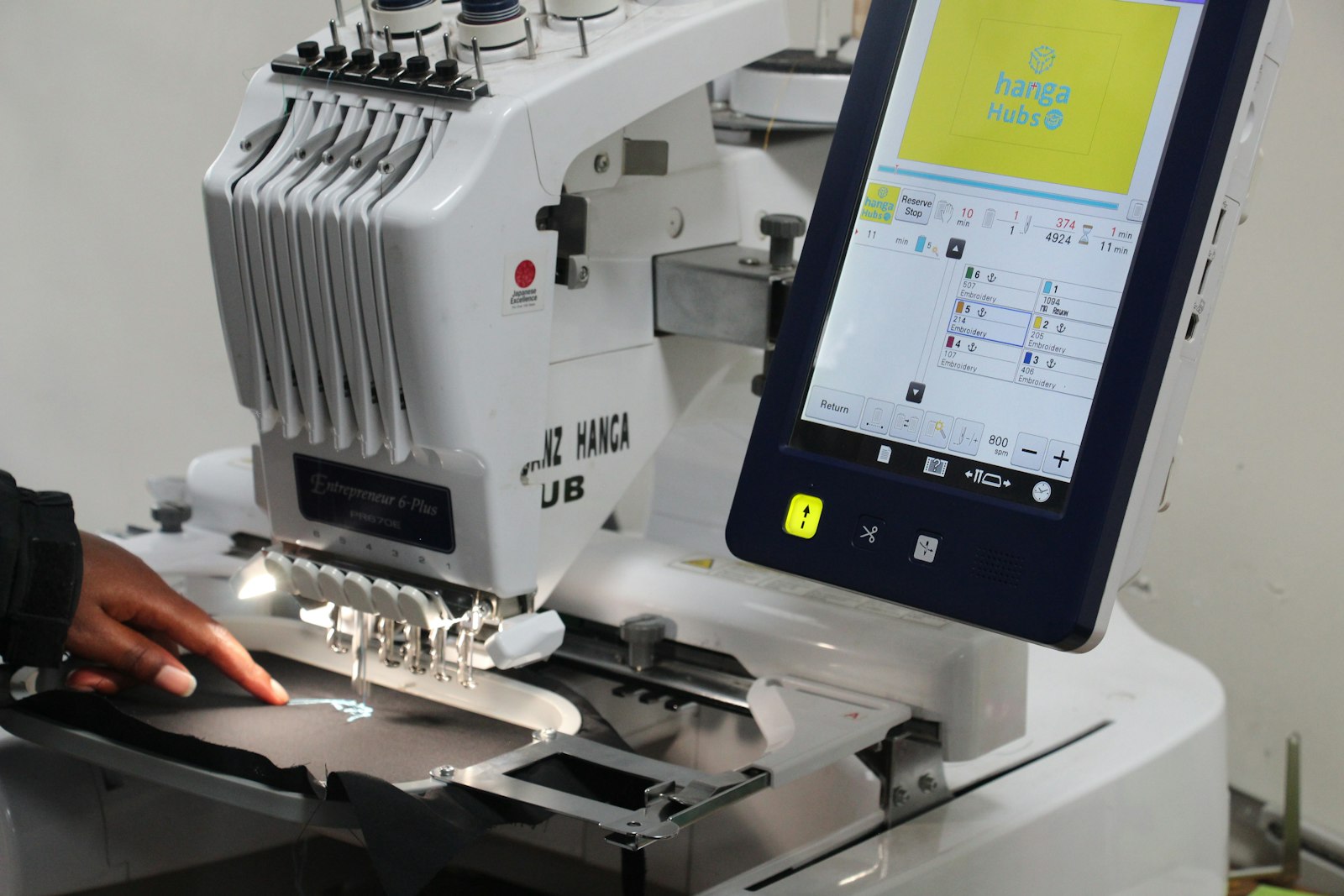
Embroidery Library
A large commercial design catalog that has operated since the early 2000s. Designs are sold individually ($2 to $12 per design depending on complexity) or via a subscription (access to the full catalog for a monthly fee).
What Embroidery Library offers:
- Consistent digitizing quality across the catalog. Designs are produced in-house rather than accepted from third-party sellers
- Very large catalog with organized categories
- Design detail pages show stitch count, color count, and design dimensions for every listing
- Both individual purchase and subscription access
Embroidery Library is the default recommendation when Etsy quality uncertainty is a concern or when buying in volume where subscription pricing makes sense.
Urban Threads
A premium design catalog with a distinctive modern aesthetic: bold, stylized, and frequently irreverent compared to the more traditional designs common on Etsy and Embroidery Library. Higher price point (individual designs typically $5 to $15), but consistent quality and a unique visual catalog.
Urban Threads is worth the premium when:
- The style fits the project (their aesthetic is distinctive; not appropriate for every application)
- Consistent digitizing quality is more important than price
- You need designs that aren’t readily available in more traditional catalogs
Multi-format downloads are included with every purchase.
Built-in designs
Every machine ships with designs. Brother machines include 80 (PE535), 135 (SE700), or 193 (PE900) built-in designs plus fonts. Janome machines include comparable quantities.
What built-in designs are for: learning the machine, testing thread and stabilizer combinations, and quick projects where the available designs happen to work. They are not a comprehensive catalog.
The built-in designs stitch correctly because Brother and Janome quality-control their own designs. They are the benchmark for what well-digitized embroidery looks like on your specific machine. They are useful reference points before evaluating purchased designs.
Free designs exist outside the box too. Creative Fabrica’s free tier and the design collections Brother and Janome publish on their own support pages are generally safe bets, since a real company’s quality control sits behind them. Random free designs from generic download sites are a different story: inconsistent stitch density, missing underlay, and incorrect pull compensation are common. Save those for practice fabric, not a project you actually care about.
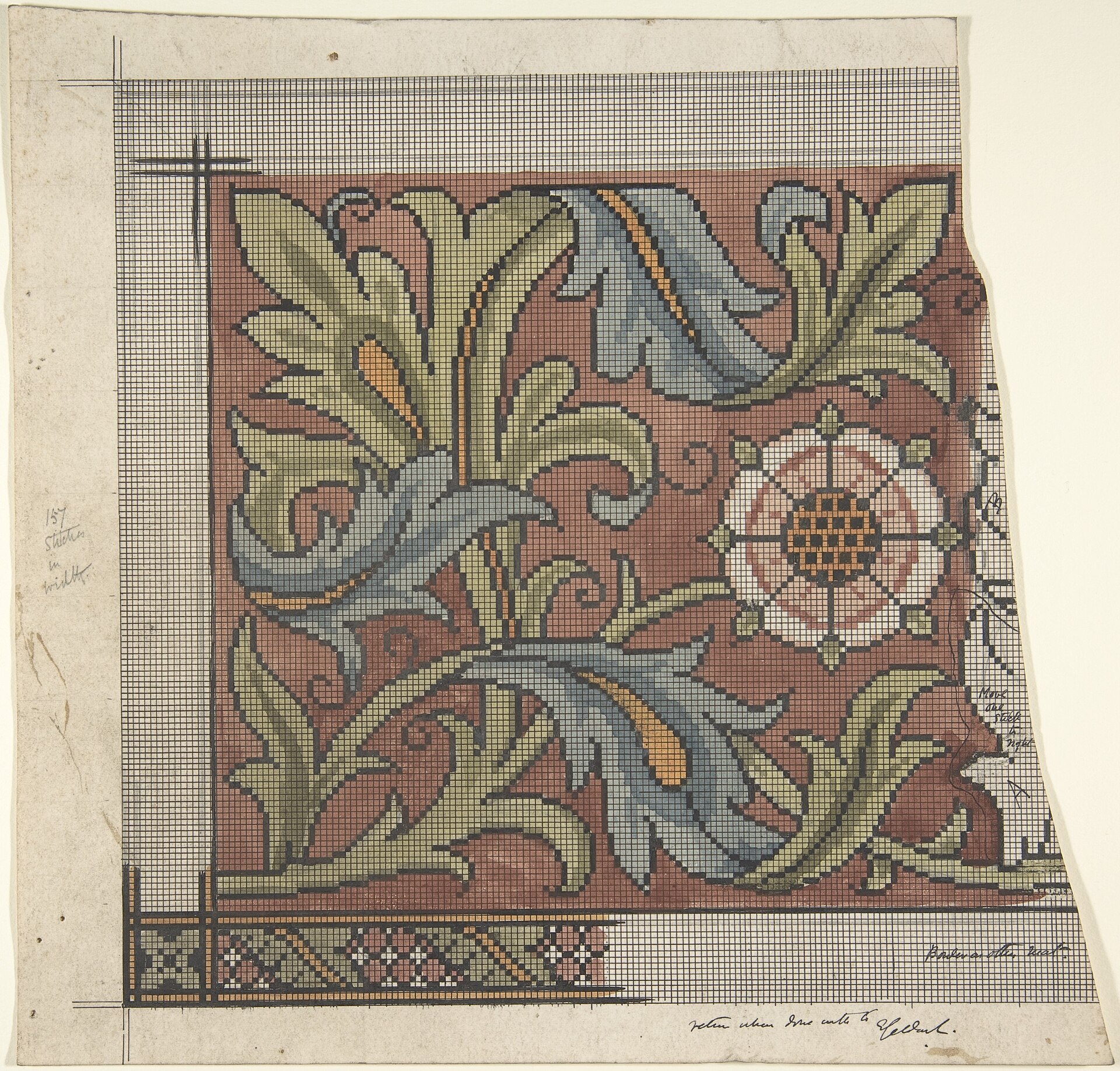
File formats: what you actually need to know
| Format | Made by | Home machine support |
|---|---|---|
| PES | Brother | All current Brother home machines (SE, PE, Innovis lines) |
| JEF | Janome | All current Janome home machines |
| DST | Tajima (industrial) | Nearly universal, supported by Brother, Janome, and most other brands |
| HUS | Viking/Husqvarna | Viking/Husqvarna machines; sometimes supported by Brother |
| EXP | Bernina/generic | Bernina and generic machines |
| VP3 | Viking | Viking machines |
| XXX | Singer | Singer machines |
DST is technically a universal format (the oldest standardized format, developed for industrial embroidery machines) and is accepted by most home machines. However, DST does not encode color information in the same way as native formats. When you open a DST file, the machine cannot read the designed color sequence and assigns colors numerically. This is functional but less convenient than a native format. Use your machine’s native format (PES or JEF) when available; fall back to DST when native format is not available.
Multi-format bundles on Etsy and Embroidery Library include PES, JEF, DST, and usually 4 to 8 other formats. When you receive such a bundle: identify your format, ignore the others.
What quality digitizing looks like
The stitch file is a program. Like any program, it can be well-written or poorly-written. Signs of quality work:
Stitch count: For a 3-inch square design with solid fill, expect 5,000 to 10,000 stitches. Very high stitch counts (15,000+ on a small design) indicate over-density: the fill is stacked too heavily and will create a stiff, mounded result. Very low stitch counts for solid fill suggest under-coverage: the fabric will show through between stitch columns.
Underlay stitching: Every fill area in quality digitizing has a foundation layer (underlay) stitched before the top fill. Underlay holds the fabric stable so the fill stitches sit flat. Designs without underlay pucker and shift during stitching.
Pull compensation: When a needle pierces fabric and thread is pulled tight, the fabric compresses. Over thousands of stitches, this compression causes a design to stitch smaller than its specified dimensions. Good digitizing accounts for this by making fill areas slightly larger than the final intended size. Designs without pull compensation produce shapes that look pinched and narrower than expected.
Color stop order: The order in which color stops appear should minimize thread changes. A design that requires alternating between two colors across 15 color stops could be digitized to require only 2 stops. Poor color stop ordering wastes time and risks registration problems from multiple frame movements.
Converting between formats
If you receive a design in a format your machine doesn’t support, format conversion is possible. Common conversion tools:
- Ink/Stitch (free, open-source): Inkscape plugin that reads and writes most embroidery formats including PES, JEF, DST. Best free option for occasional conversion.
- SewWhat-Pro: Windows software (~$60 one-time) that handles most format pairs. More reliable than Ink/Stitch for complex designs.
- SewArt: ($50 one-time) includes both conversion and basic auto-digitizing functions.
Format conversion preserves the stitch coordinates but may not perfectly preserve all settings (speed instructions, specific tension flags) encoded in the original format. For basic stitch-path designs, conversion from DST to PES or JEF is reliable. For more complex designs with format-specific features, native format is always preferred.
Do not convert from a raster image (JPG/PNG) to a stitch file. Auto-digitizing (conversion from a photograph or drawing to a stitch file) produces a technically runnable file that stitches poorly. The stitch paths are generated algorithmically without the design judgment that goes into professional digitizing. For complex original artwork, commission professional digitizing or use a digitizing tool with manual control (Wilcom, Hatch) rather than converting. If you want to learn digitizing yourself, Ink/Stitch handles basic digitizing as well as conversion, and Brother’s own PE-Design Next (Windows only) is a reasonable entry point before stepping up to something like Wilcom. Expect a real learning curve either way: getting density, underlay, and pull compensation right takes practice most people underestimate.
The embroidery file formats guide covers the technical differences between formats in more detail, including how PES encodes color metadata compared to DST. The first embroidery machine buying guide covers which format ecosystem matters for each machine purchase decision.